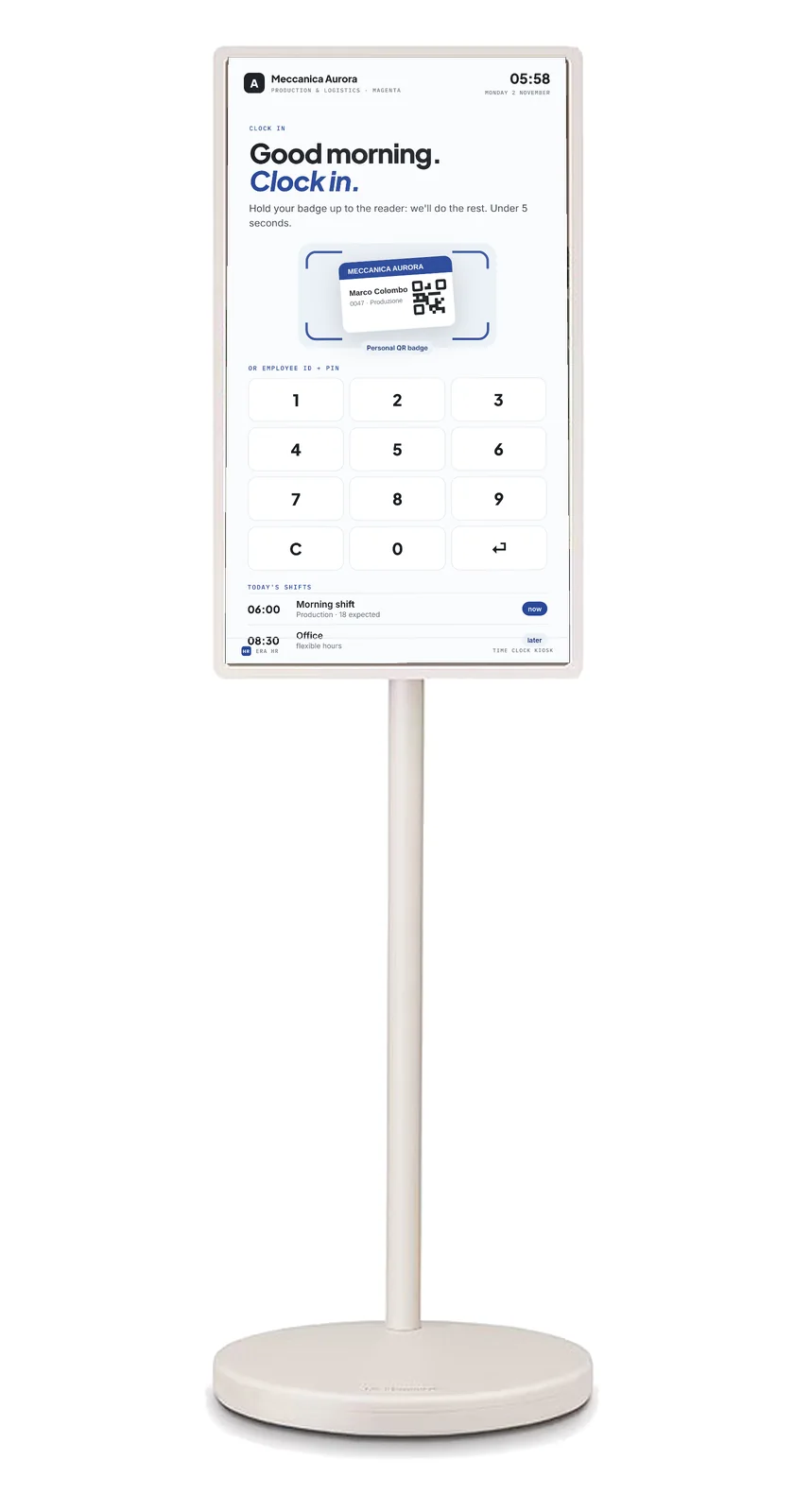
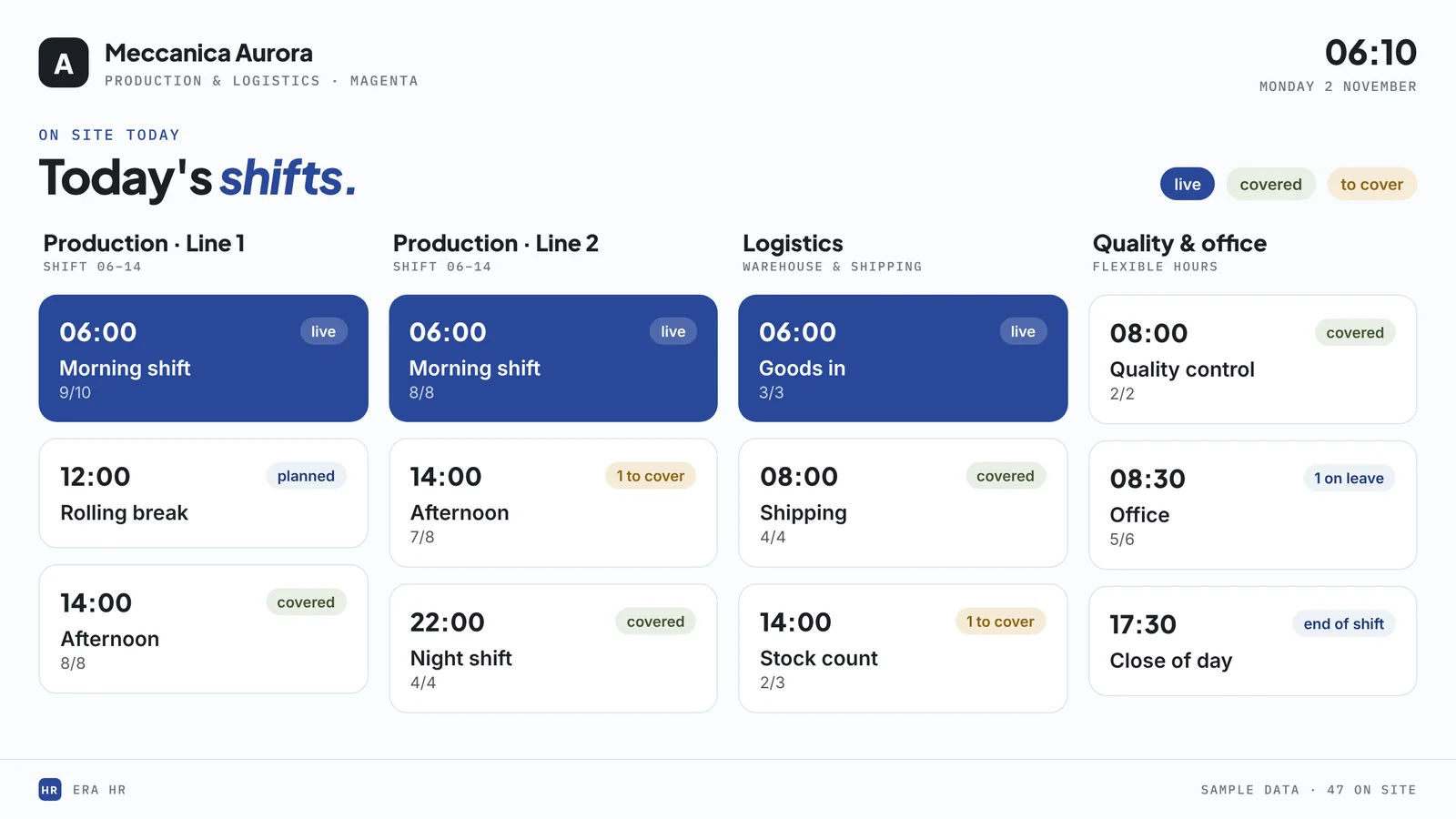
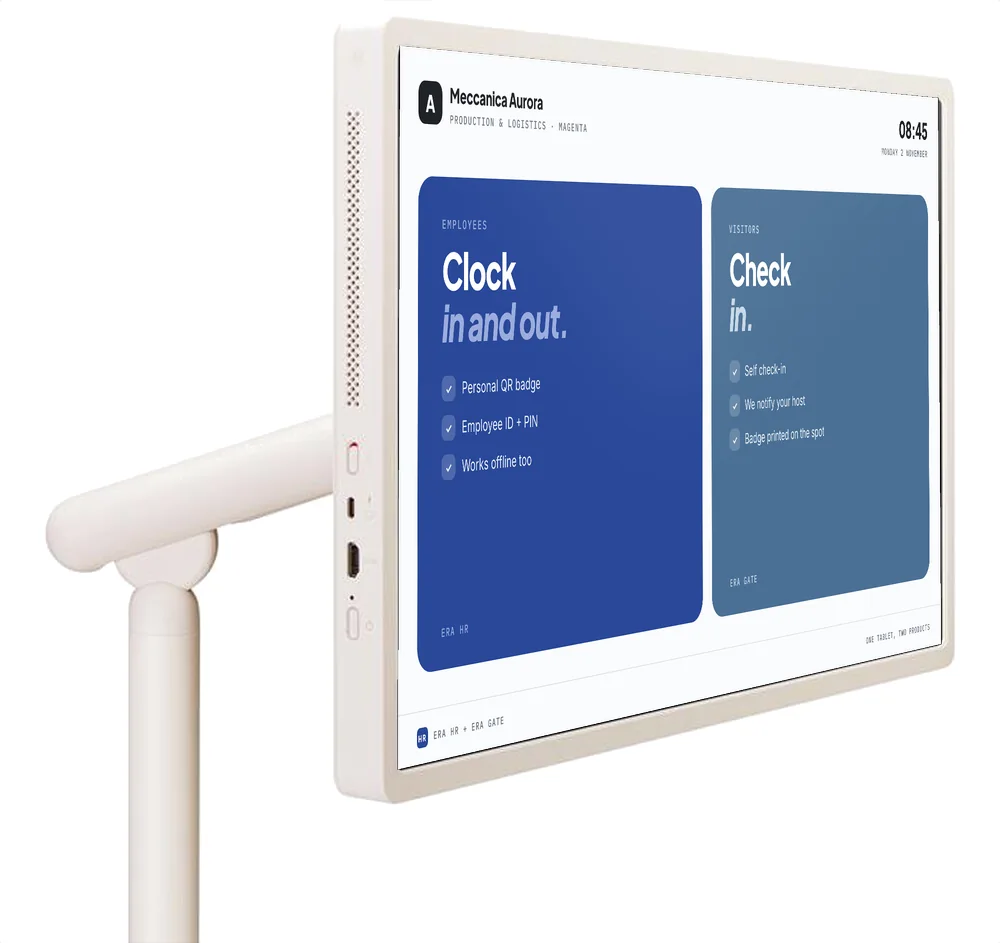
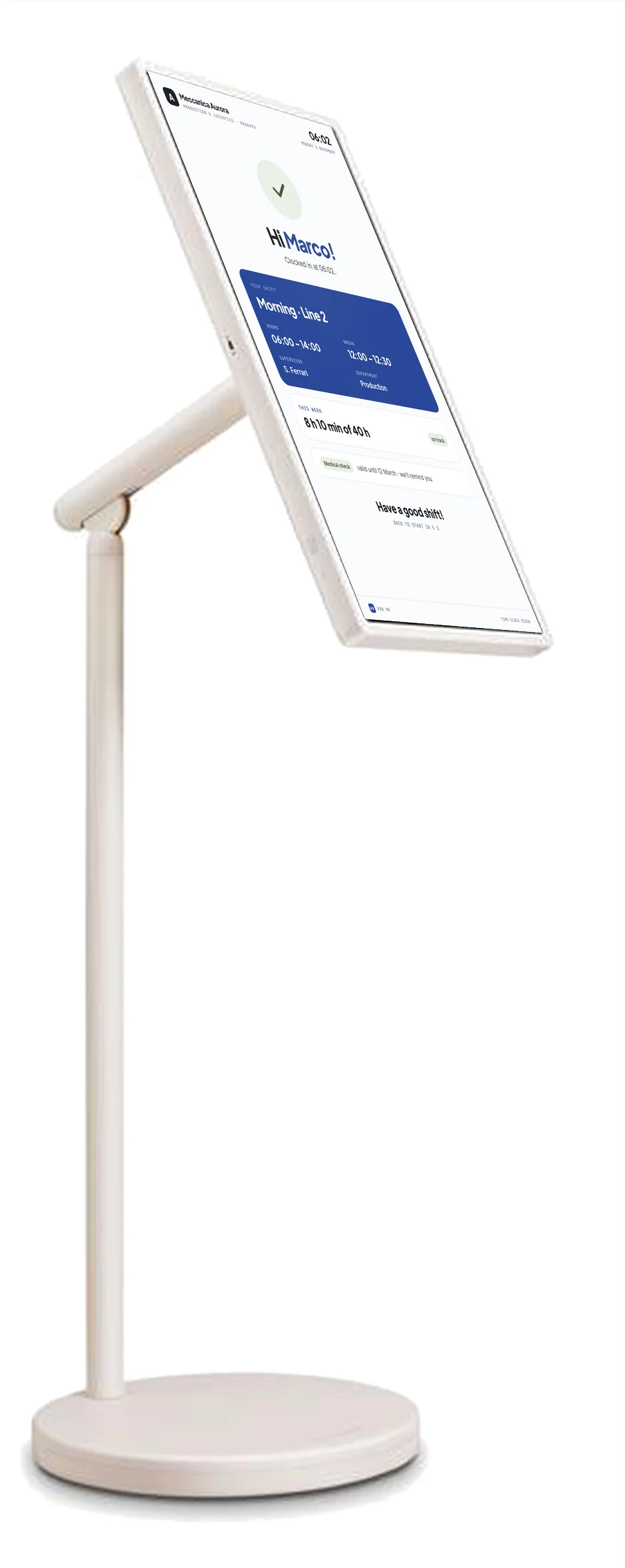
A 27-inch touchscreen on a wheeled stand: employees clock in with their QR badge or ID and PIN, the kiosk shows the day’s shifts, flags anomalies to supervisors and, with ERA Gate active, welcomes visitors too.
Dedicated quote or operating lease? Write to us: we reply the same day. Supply reserved for ERA HR plans.
Ask for a quote
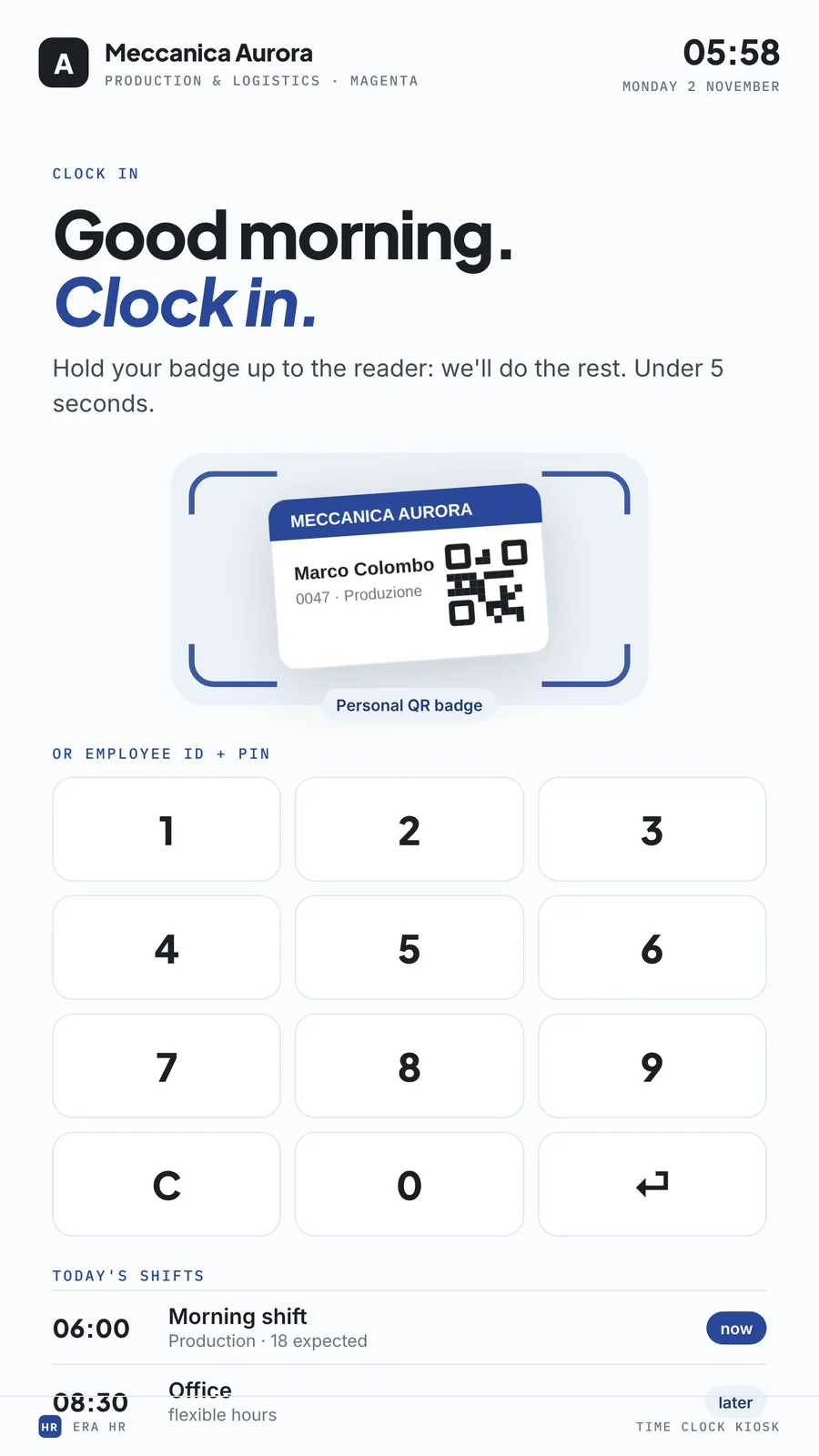
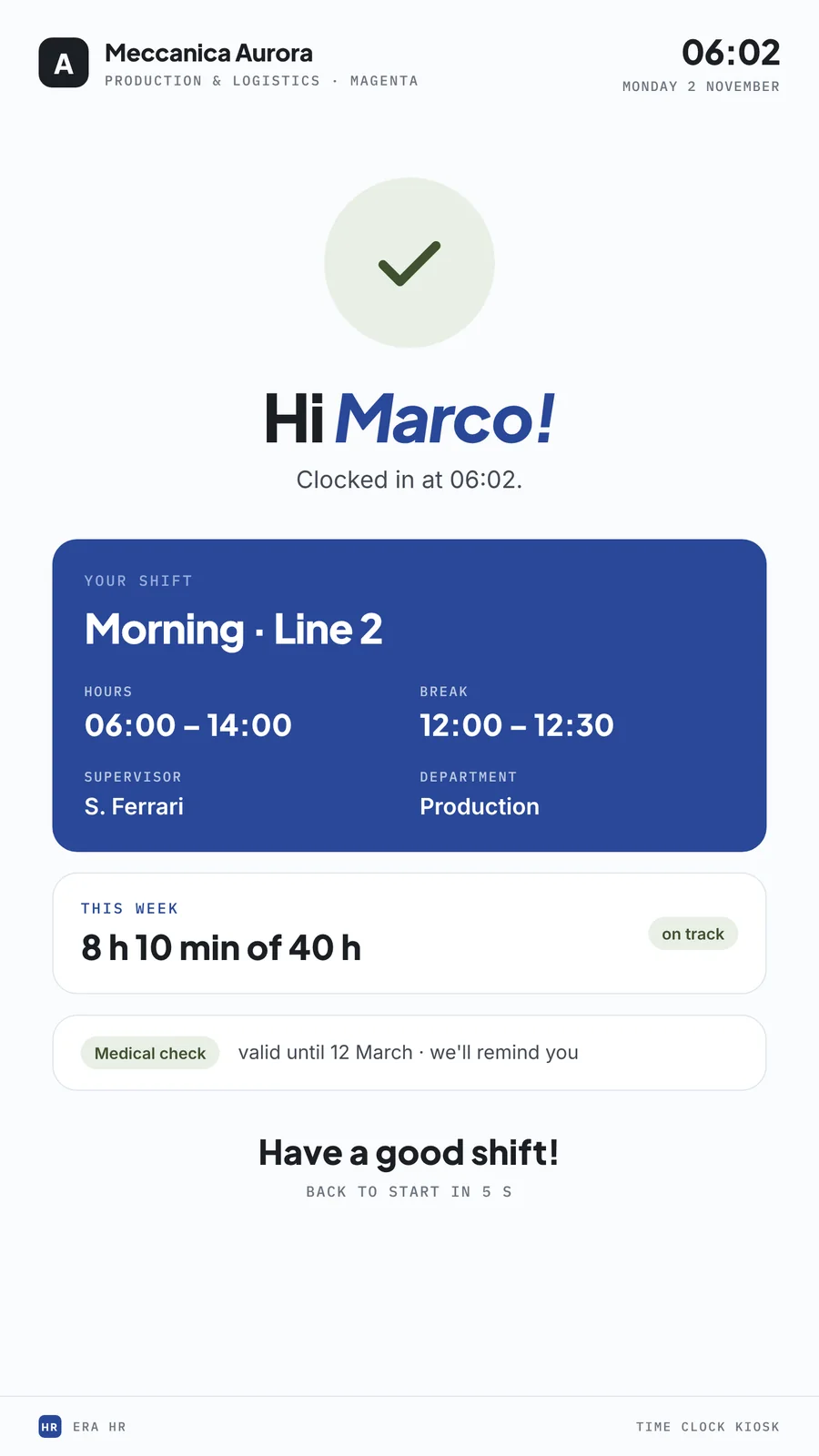
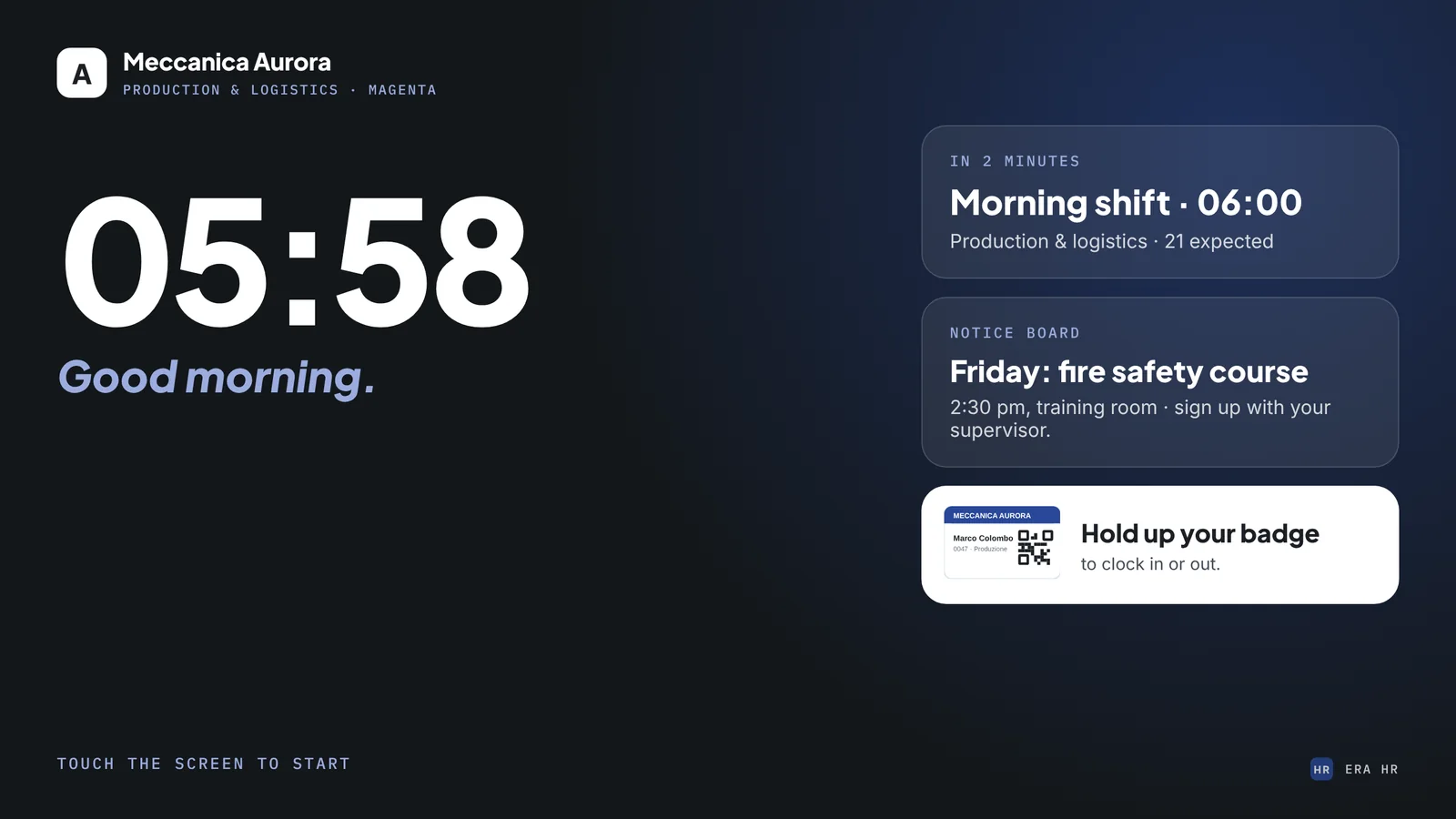
The kiosk shows the time, their shift and the notice board.
Personal QR, or employee ID and PIN. ERA HR records the event in under 5 seconds, offline too.
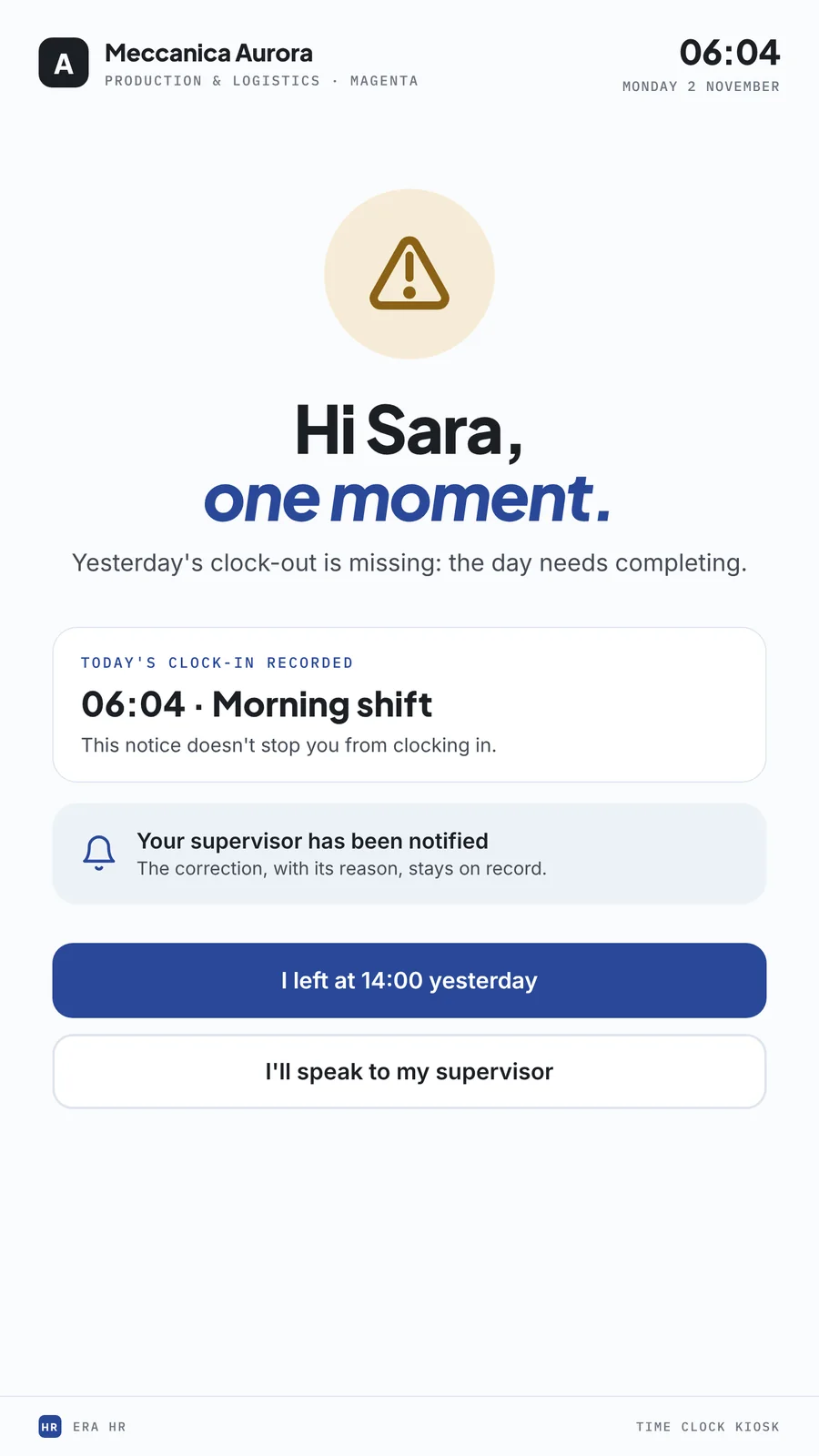
If something is off — yesterday’s clock-out is missing — the clock-in still counts and the supervisor is notified.
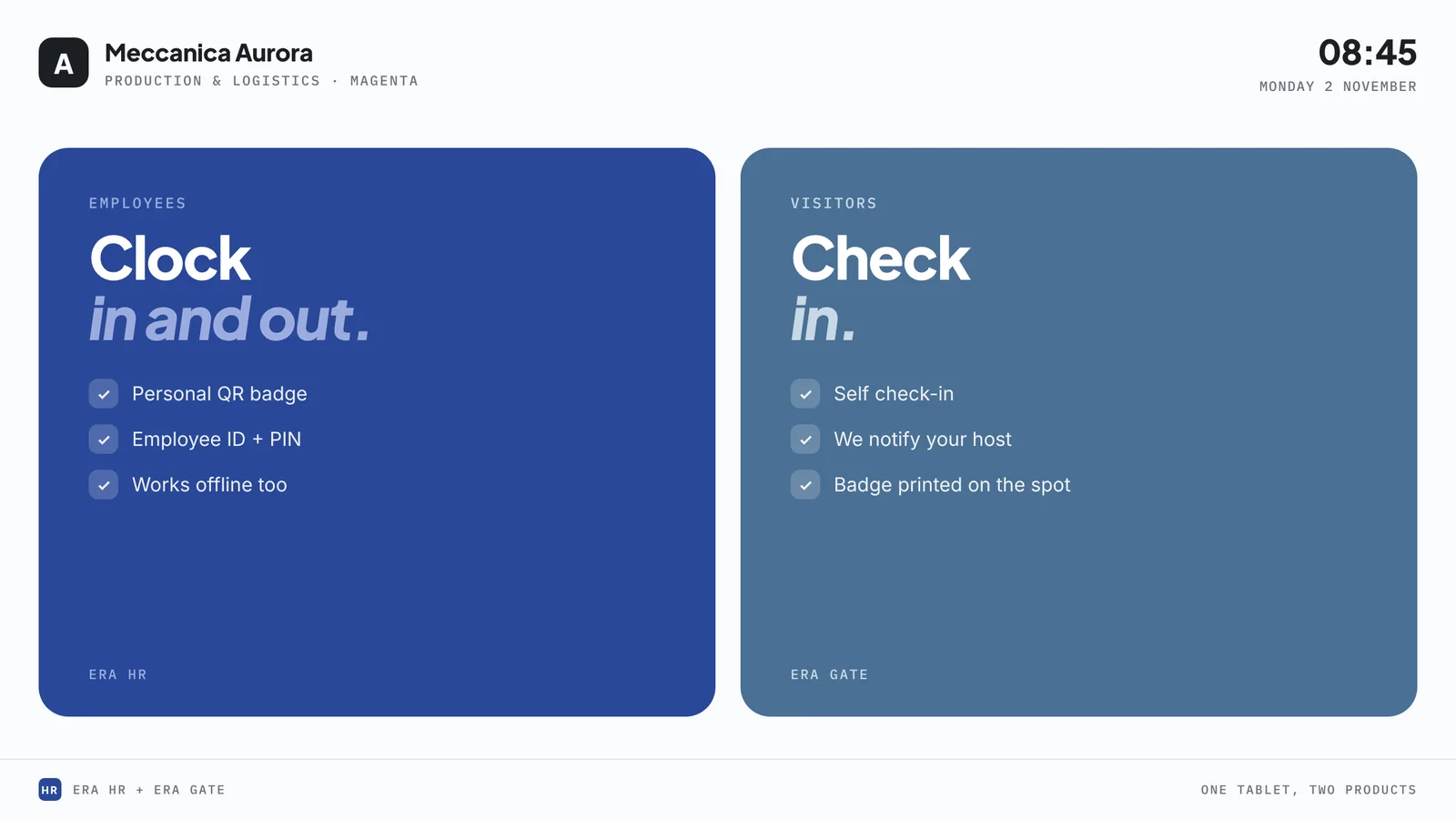
With ERA Gate active the same kiosk shows both paths: Employee and Visitor.
Kiosk screens carrying the company’s brand. Names, times and figures are examples.


The screen rotates on its stand and the layout follows: portrait guides clock-in, landscape becomes the board of the day’s shifts.
Wheeled stand and battery: from the gate to the shop floor, for a meeting or a training day, with no installation.


| Display | 27-inch QHD 2560 × 1440, touch |
|---|---|
| Orientation | portrait and landscape, swivelling and tilting screen |
| Battery | up to 4 hours of use (LG figure) |
| Stand | wheeled base; detachable screen with folio cover |
| System | webOS with a browser: the kiosk is an ERA HR page |
| Set-up | we prepare it with your brand, sites and clocking rules |
| Supply | purchase or operating lease, with an active ERA HR plan |
| Alternatives | the screen works on any tablet or touchscreen with a browser |
This is LG’s official list price. Write to us for a dedicated quote or an operating-lease proposal: we reply the same day. Supply is reserved for customers with an ERA HR plan.
Ask for a quoteLG and StanbyME are trademarks of LG Electronics. Product images: LG Electronics; ERA HR screens with sample data. Technical features as published by the manufacturer.
No. The kiosk screen is an ERA HR page and runs on any tablet or touchscreen with a browser. We suggest the StanbyME 2 for its size, design and because it moves around with no installation.
No. They clock in with their personal QR badge or with employee ID and PIN, right on the kiosk. Web and mobile stay available for remote work.
The kiosk queues clock events and syncs them as soon as the connection returns. Nothing gets lost.
Only the name and the shift details — no sensitive data, no biometrics. After a few seconds the screen returns to the start.
The screen is purchased separately or taken on an operating lease, always together with an ERA HR plan; set-up is quoted with activation. The licence is as shown on the pricing page.